
A radial menu at the edge of every page
Move the pointer to the edge of the screen and your links, bookmarks and actions open in a ring around it. Pick one, and it is gone again.

Your links, bookmarks and actions in a round menu that slides out from the edge of every page.
Free to use. Pro is a one-time purchase.
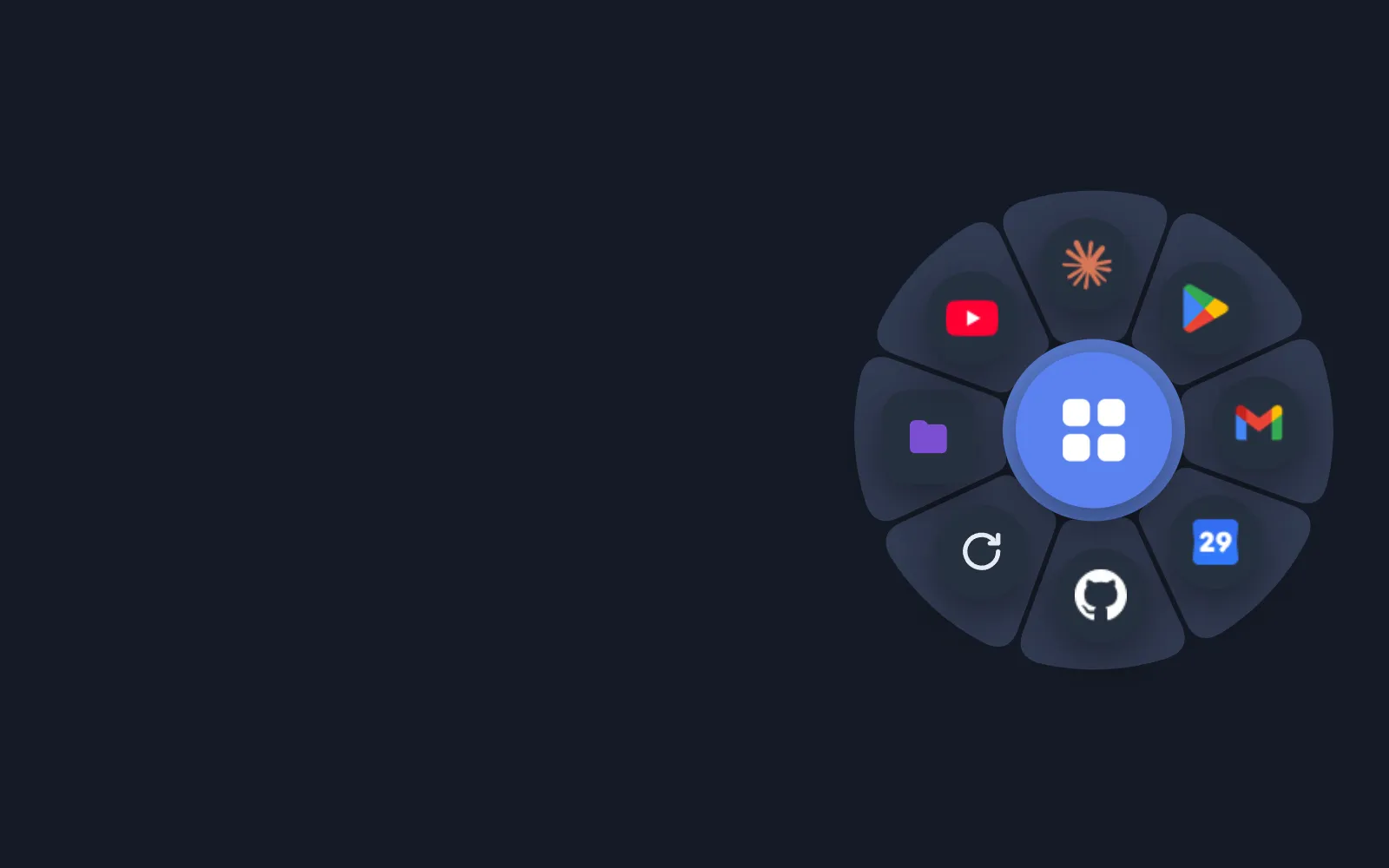
Move the pointer to the edge of the screen and your links, bookmarks and actions open in a ring around it. Pick one, and it is gone again.
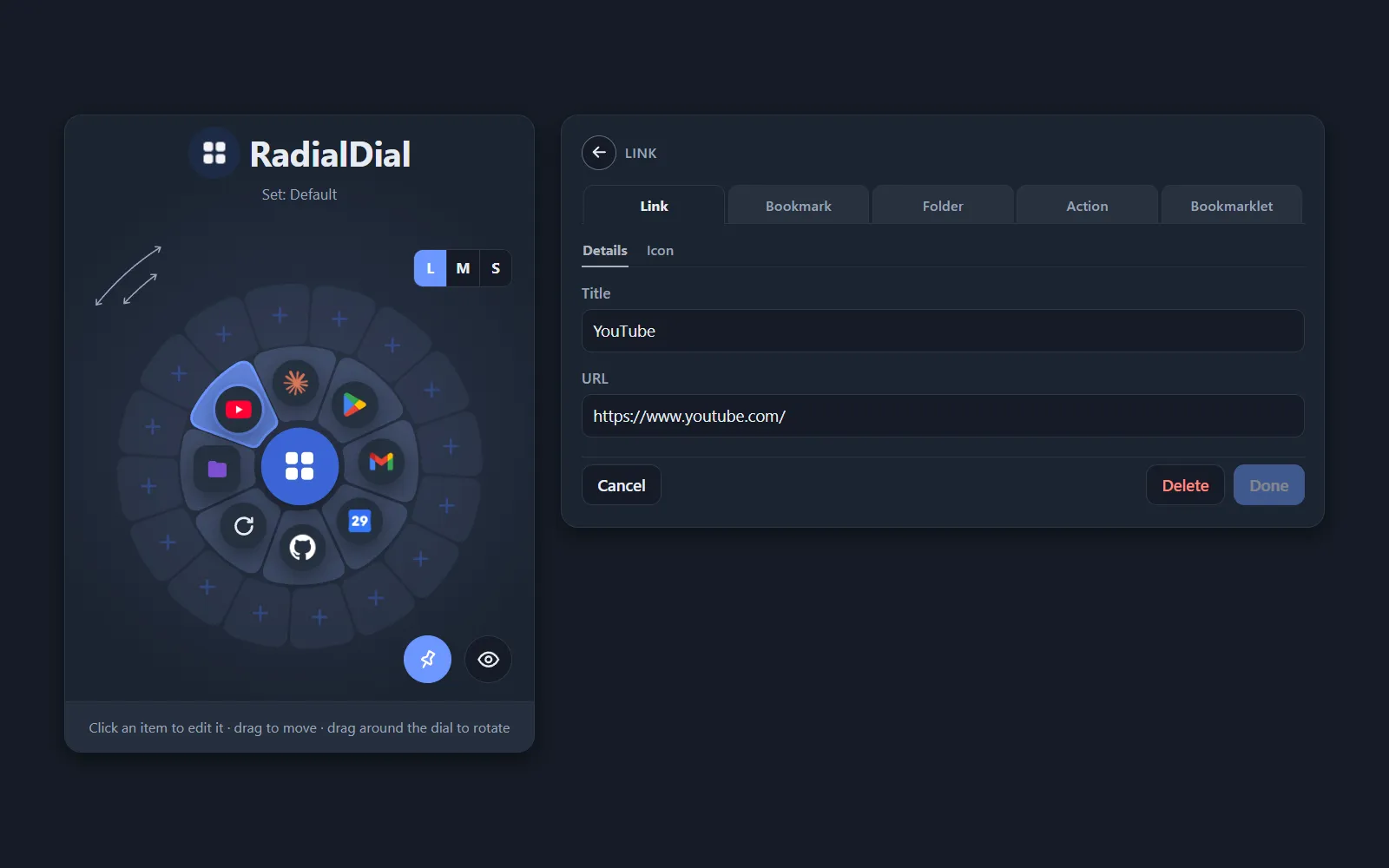
Click a free place to add a link, drag to reorder, drop onto a folder to move something in, or onto the trash to remove it.
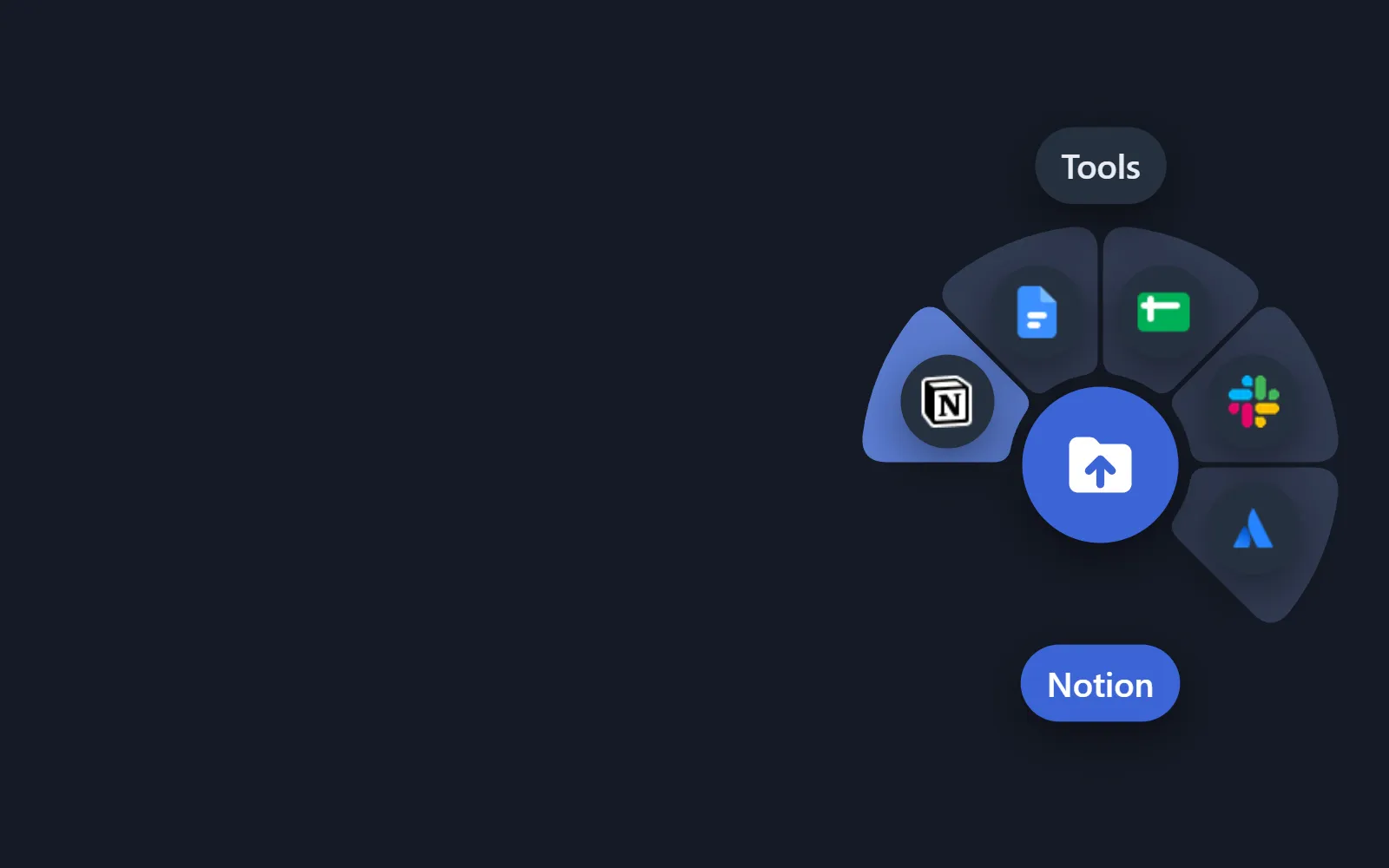
Group links into folders. Opening one shows its own ring of places.
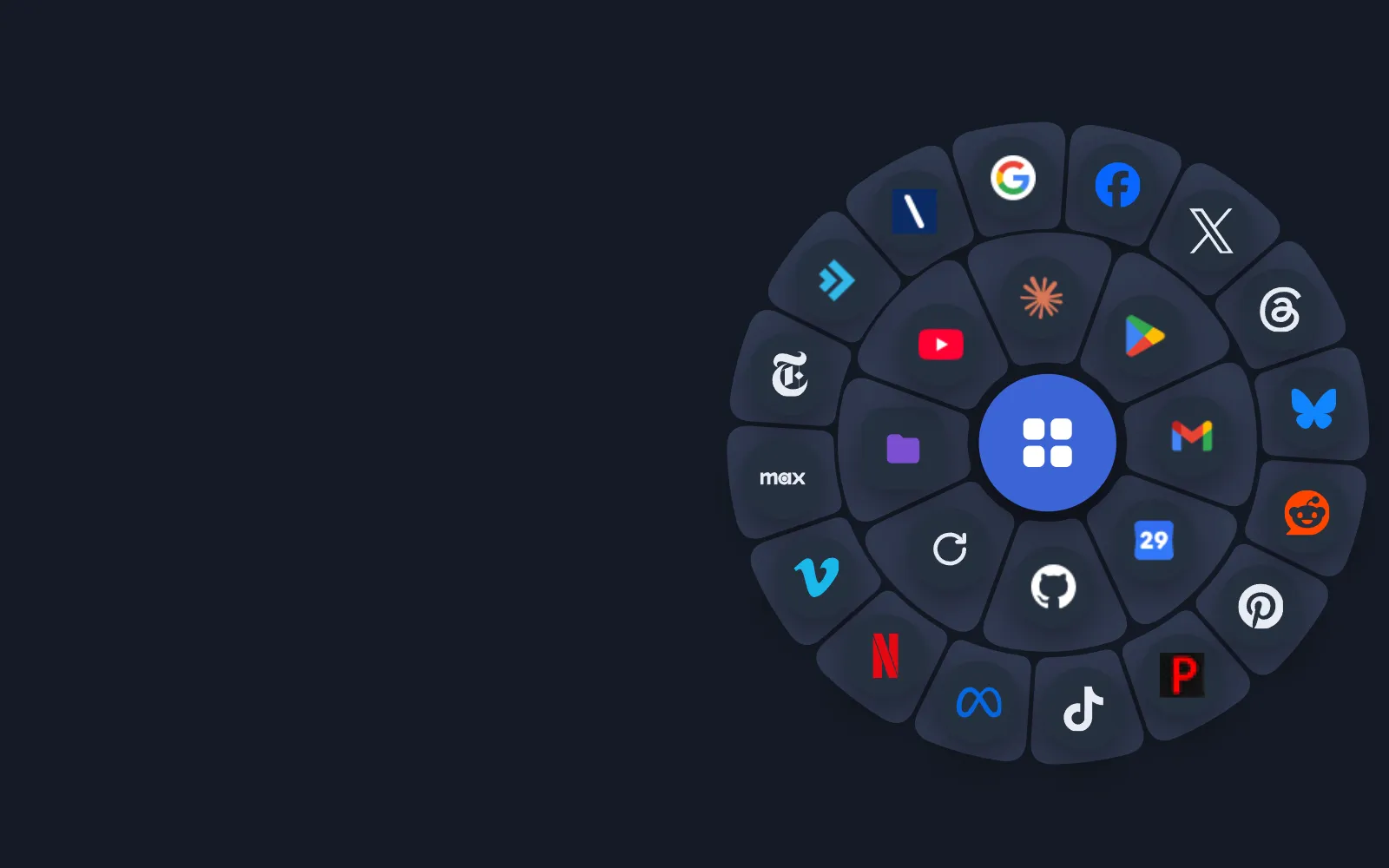
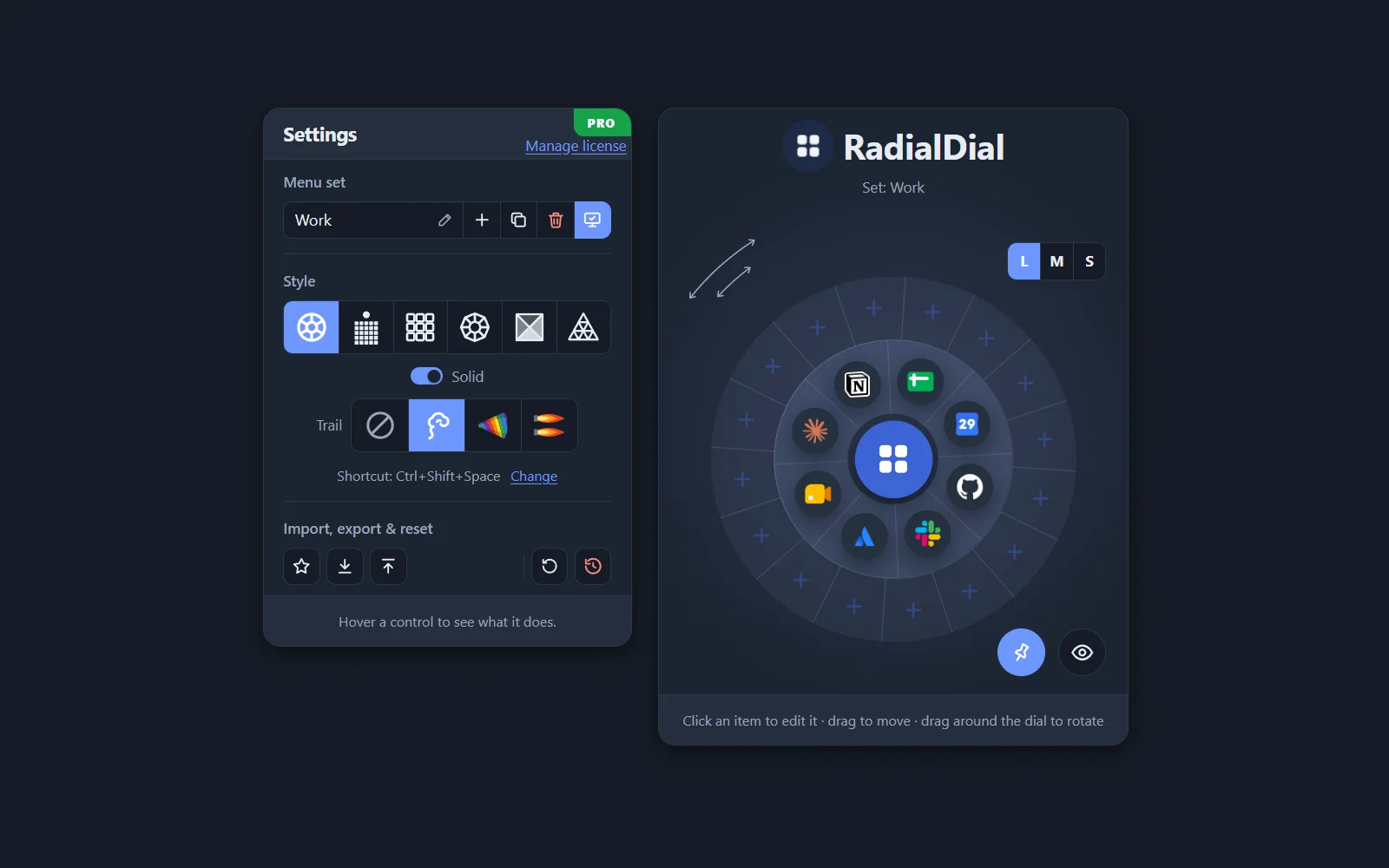
An outer ring on every level, for 24 places instead of 8.
Sectors and Tiles, and with Pro also Grid, Octagon, Pyramid and Triangle. Switch any time; your places stay where they are.

The Solid look closes the gaps between places, and the large size makes the dial 120%.

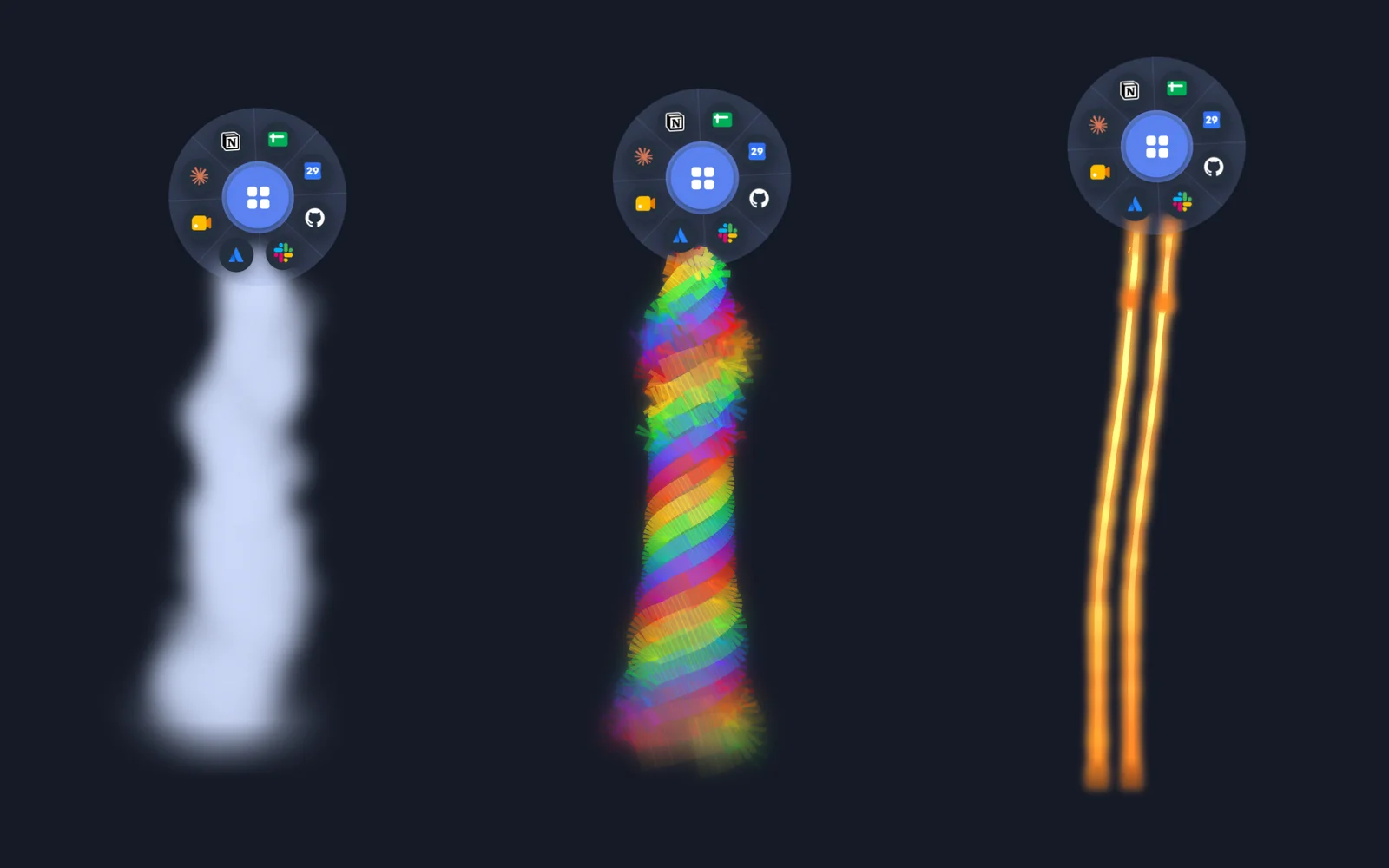
Drag the dial or spin a ring and it leaves a trail: soft smoke, and with Pro a rainbow swirl or a double rocket tail.
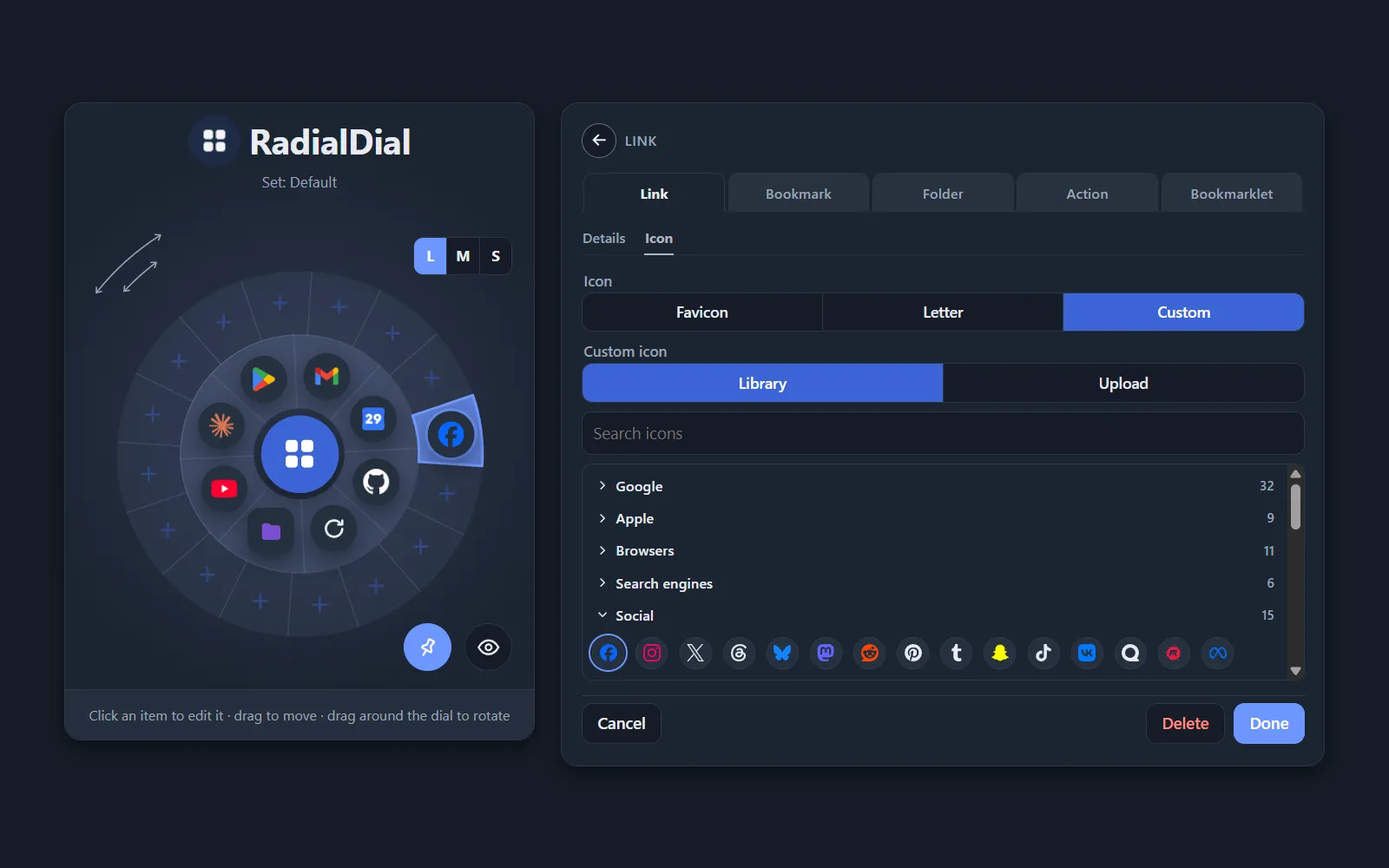
Brand logos from the built-in icon library, or your own images, for any place.
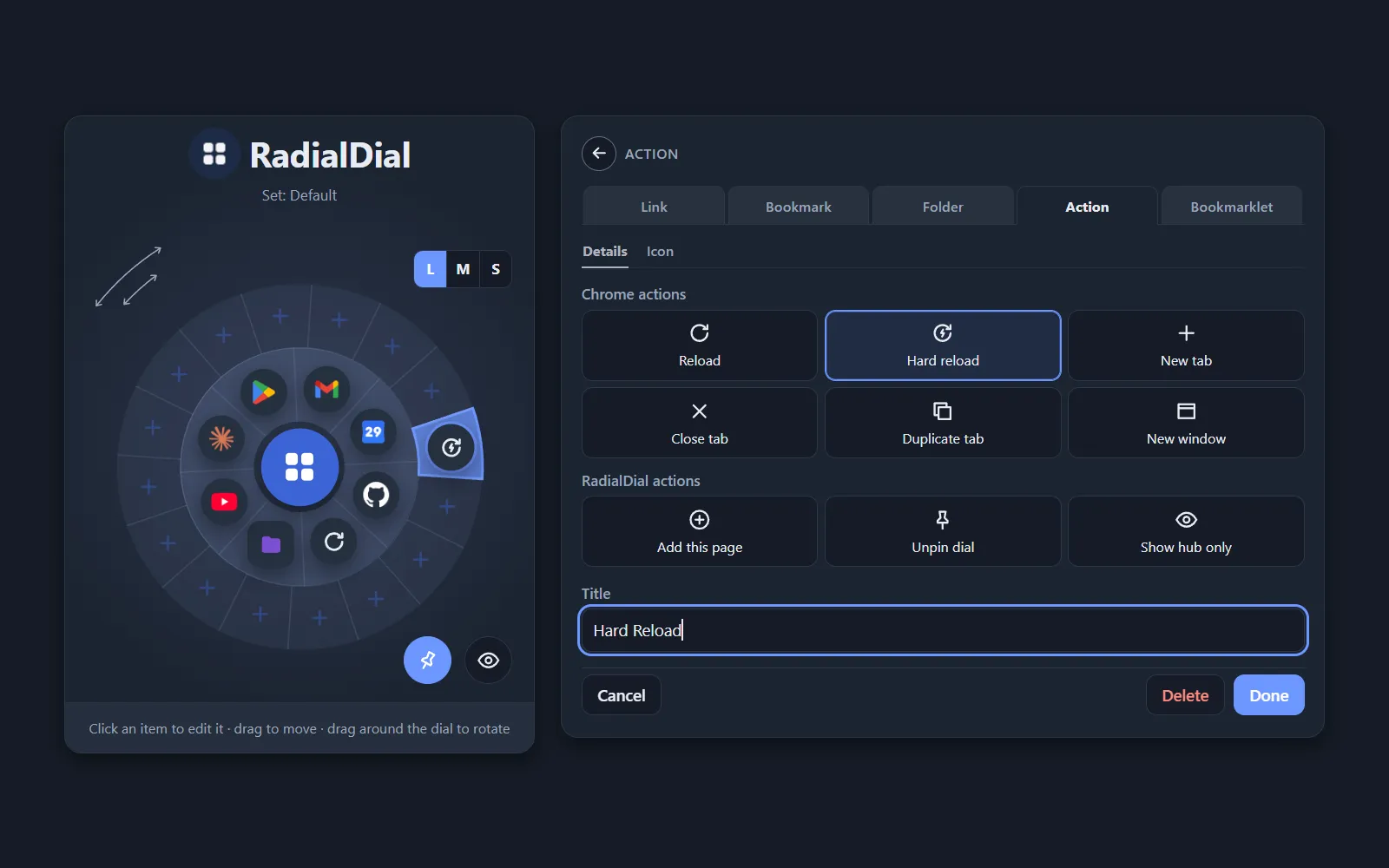
Run your own JavaScript on the page, or reload, open a new tab, close or duplicate the tab and open a new window from the dial.
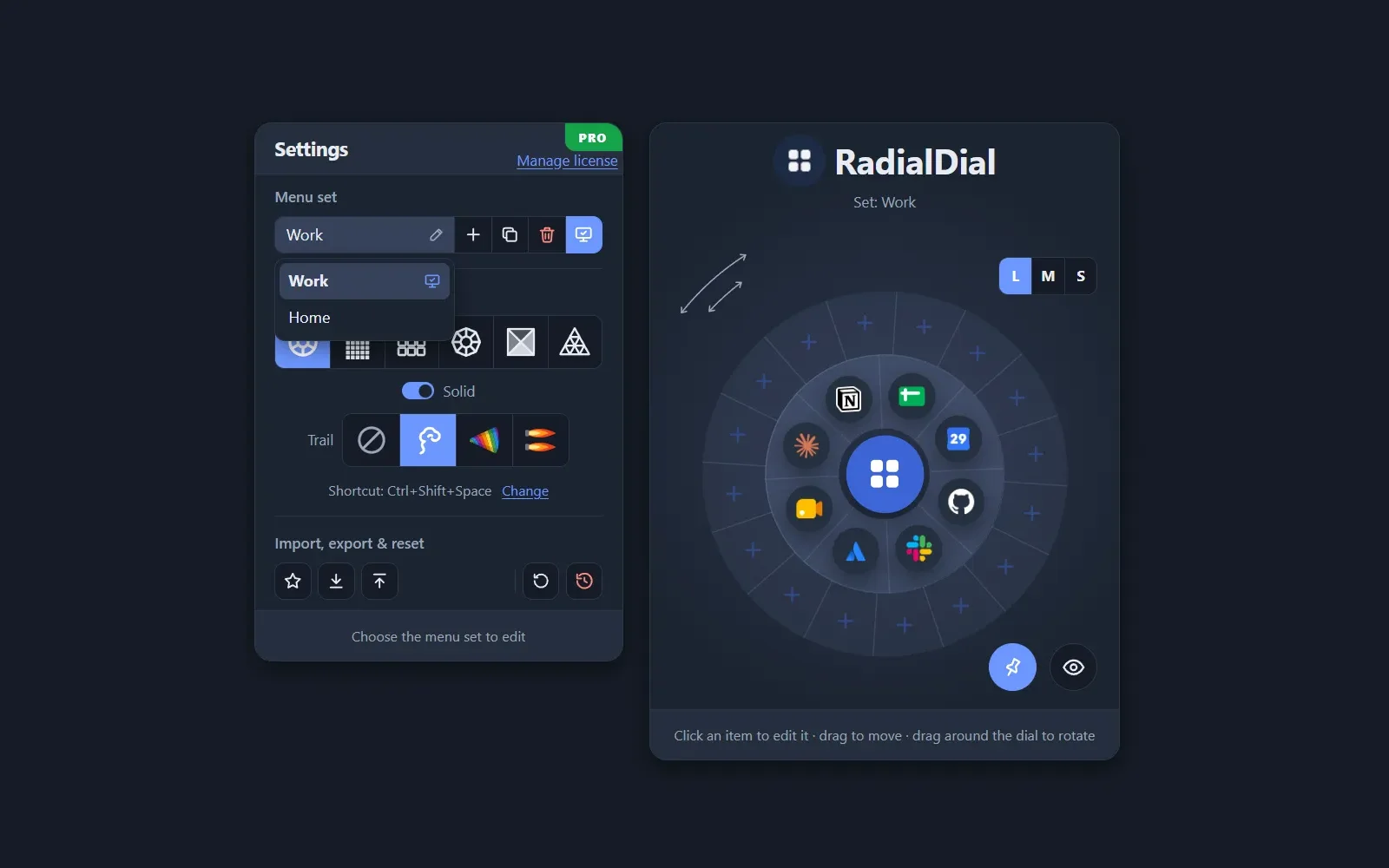
Several menus, for example Home and Work, with one chosen per computer.
A keyboard shortcut opens the dial right at the pointer, "hub only" shows just the centre until you hover it, and the dial hides when a page goes fullscreen.
The extension makes no network requests and collects no data. Your Pro license is checked offline, inside the extension.
| Feature | Free | Pro |
|---|---|---|
| A radial menu at the edge of every page, with 8 places per level | ✓ | ✓ |
| Links, bookmarks, folders and RadialDial actions | ✓ | ✓ |
| Sectors and Tiles styles, small and medium size, pinned mode, hub only | ✓ | ✓ |
| Smoke trail when you drag the dial or spin a ring | ✓ | ✓ |
| Import from bookmarks, export and import as JSON | ✓ | ✓ |
| A second ring with 16 more places on every level | – | ✓ |
| Several menus, for example Home and Work, with one chosen per computer | – | ✓ |
| Bookmarklets that run your own JavaScript on the page | – | ✓ |
| Browser actions: reload, hard reload, new tab, close or duplicate the tab, new window | – | ✓ |
| More styles: Grid, Octagon, Pyramid and Triangle | – | ✓ |
| The Solid look, without gaps between places | – | ✓ |
| A large dial (120%) | – | ✓ |
| A rainbow swirl trail instead of smoke | – | ✓ |
| A double rocket tail: two fiery exhausts as the trail | – | ✓ |
| Custom icons: brand logos from the icon library or your own images | – | ✓ |
$6.99
No subscription. Your key arrives by email and is checked offline. If Pro is ever removed, your menus and settings are never deleted.
One-time purchase. See Terms & Refunds.
No. It runs on each page only to draw the menu. It doesn't read what is on the page, and the extension sends nothing anywhere – it makes no network requests at all.
Nothing is deleted. Your menus and settings stay, Pro items keep working on your pages, and in the editor they become read-only until Pro is back.
A license is for one person, on all your own computers and Chrome profiles. With Chrome sync on, Pro follows you there by itself; otherwise paste the key on each one.
Yes: a full refund within 14 days of purchase, no questions asked. Write to support@radialdial.app from the email you paid with. Details in the Terms & Refunds.
Enter the email address you paid with on Find my key and we'll send the key again.
Google Chrome on the desktop. Other Chromium-based browsers that install extensions from the Chrome Web Store may work too, but aren't tested.